
Description
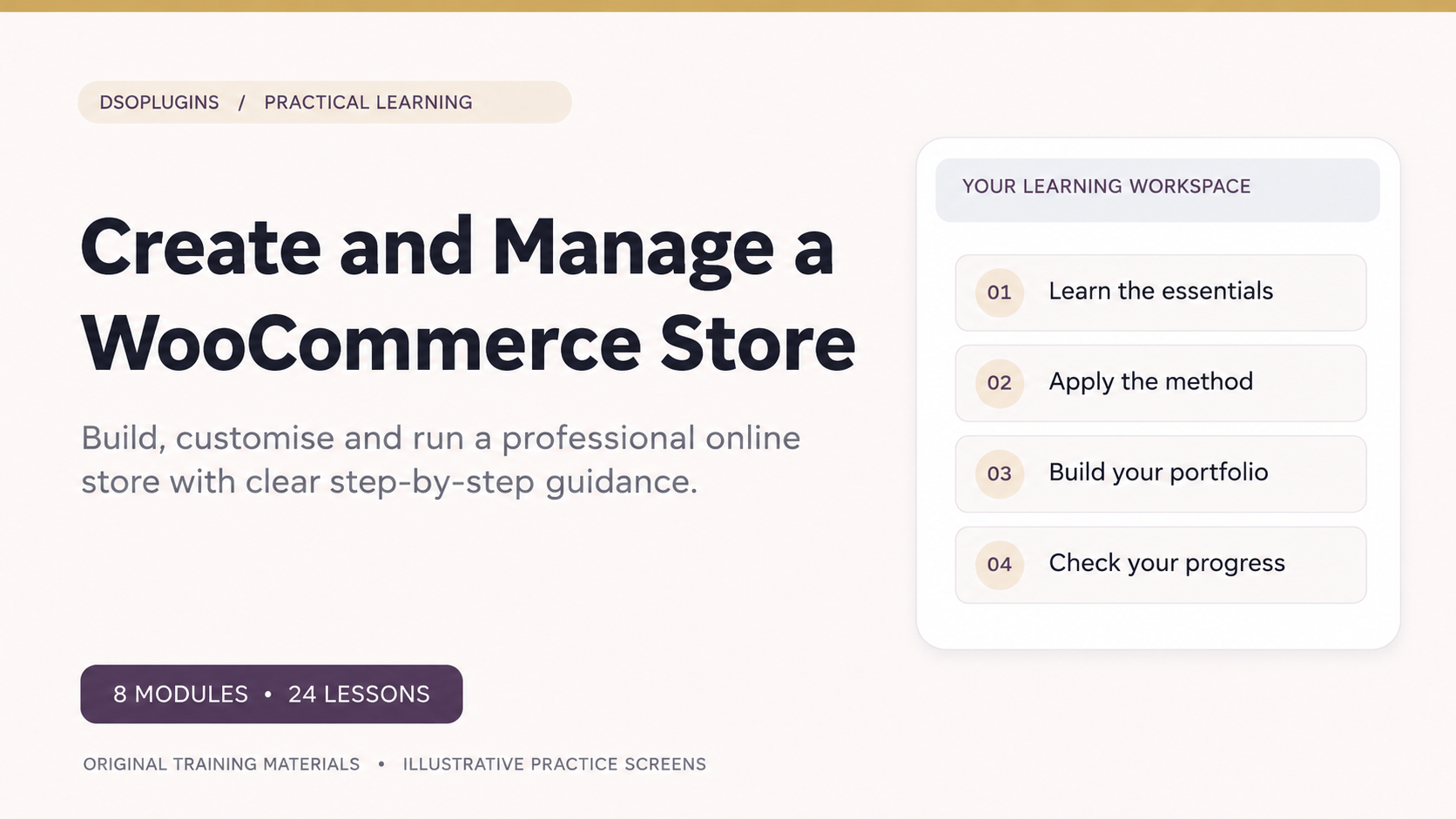
Create & Manage a WooCommerce Store
Build your online store. Manage with confidence. Start selling with the right foundations.
Turn your business ideas into a professional online shopping experience with Create & Manage a WooCommerce Store, a practical, step-by-step course from DSOPlugins.
Whether you’re planning to sell physical products, digital downloads or both, this comprehensive beginner-friendly course will guide you through the essentials of building, launching and managing an online store using WordPress and WooCommerce.
Through clearly structured lessons, realistic demonstrations and practical activities, you’ll learn how to set up your store, manage products, configure payments, handle customer orders and build a reliable online shopping experience.
What You’ll Learn
Module 1 — Plan Your Store and Customer Journey
Understand your customers, choose your business model, plan your product offering and create a smooth shopping experience.
Module 2 — Install and Configure WooCommerce
Set up WooCommerce, configure essential store settings and prepare your website for online selling.
Module 3 — Products and Storefront Design
Create attractive product listings, organise categories, manage pricing and configure physical, virtual and downloadable products.
Module 4 — Payments, Shipping and Taxes
Explore payment gateways, shipping options, tax settings and safe payment testing.
Module 5 — Checkout, Accounts and Emails
Create a straightforward checkout experience, configure customer accounts and understand automated order notifications.
Module 6 — Orders, Fulfilment and Customer Care
Learn to process orders, manage fulfilment, handle refunds and provide a professional customer experience.
Module 7 — Marketing and Store Analytics
Explore promotional strategies, coupons, customer engagement and the essential reports that help you understand store performance.
Module 8 — Test, Launch and Improve Your Store
Prepare your store for launch, complete practical tests, review security and performance, and establish routines for ongoing improvement.
What’s Included?
– 8 structured learning modules
– 24 practical, step-by-step lessons
– 8 knowledge checks
– 24 illustrated lesson guides
– 24 realistic WooCommerce training screens
– 8 downloadable workbooks
– 8 editable worksheets
– Practical exercises and guided activities
– Self-paced learning with progress tracking
Who Is This Course For?
This course is ideal for:
– Aspiring entrepreneurs preparing to launch an online business.
– Small business owners who want to start selling products online.
– Digital creators interested in selling downloadable resources.
– Freelancers and independent professionals developing e-commerce skills.
– WordPress users wanting to expand their website with WooCommerce.
– Beginners who prefer clear, structured guidance without unnecessary technical complexity.
No previous WooCommerce experience is required.
Learn by Doing
Throughout the course, you’ll follow realistic examples and complete practical activities that build your knowledge step by step.
You’ll learn not just how to configure WooCommerce, but also how the different elements of an online store work together — from a customer’s first visit to checkout, order confirmation and fulfilment.
By the end of the course, you’ll have built and tested a demonstration store and developed the skills and confidence to prepare your own online shop for launch.
Your Online Store Starts Here
Whether you’re taking your first steps into e-commerce or looking to understand WooCommerce more thoroughly, this course provides the practical foundation to move forward confidently.
Your products. Your store. Your future.
Start learning with DSOPlugins today.


Reviews
There are no reviews yet.