
Description
DSOPlugins Floating Cart for WooCommerce
Keep your customers’ cart within easy reach.
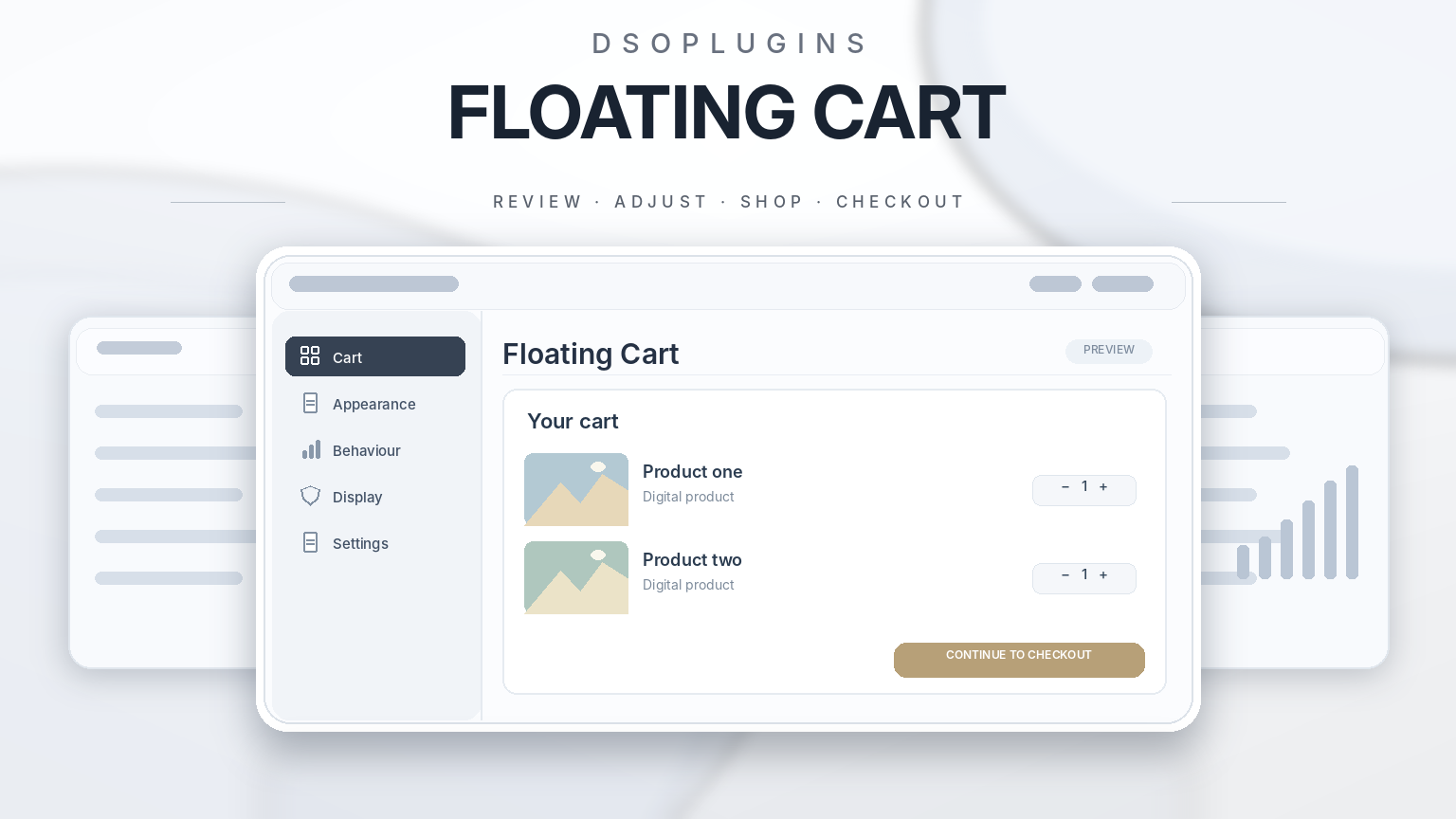
Give your WooCommerce store a customizable floating cart button and slide-out drawer. Shoppers can review products, adjust quantities, remove items, and continue to checkout while browsing your store.
Match the cart to your brand with flexible positioning, icon choices, editable labels, and color controls.
Key features
– Slide-out cart drawer: Display product images, quantities, prices, and the cart subtotal.
– Live cart counts: Keep the floating button badge and drawer item count synchronized.
– Cart quantity controls: Let shoppers adjust quantities or remove products directly from the drawer.
– Flexible positioning: Choose where the floating cart button appears.
– Custom styling: Adjust button, text, badge, and drawer colors, plus rounded corners and shadows.
– Mobile-friendly design: Configure visibility for desktop and mobile visitors.
– Payment logos: Display selected payment logos with customizable labels and styling.
– Cart sharing: Let shoppers share their cart through supported social channels, email, or a copied link.
– Clear navigation: Provide convenient links to View Cart, Checkout, and Continue Shopping.
– Import and export: Back up your settings or transfer them to another website.
Create a cart experience that feels like part of your store, with practical controls and a consistent design.
Requires WordPress and WooCommerce. Payment logos are visual indicators; payment processing is handled by your configured WooCommerce gateways.
DSOPlugins — WordPress plugins that get the job done.



Reviews
There are no reviews yet.