
Description
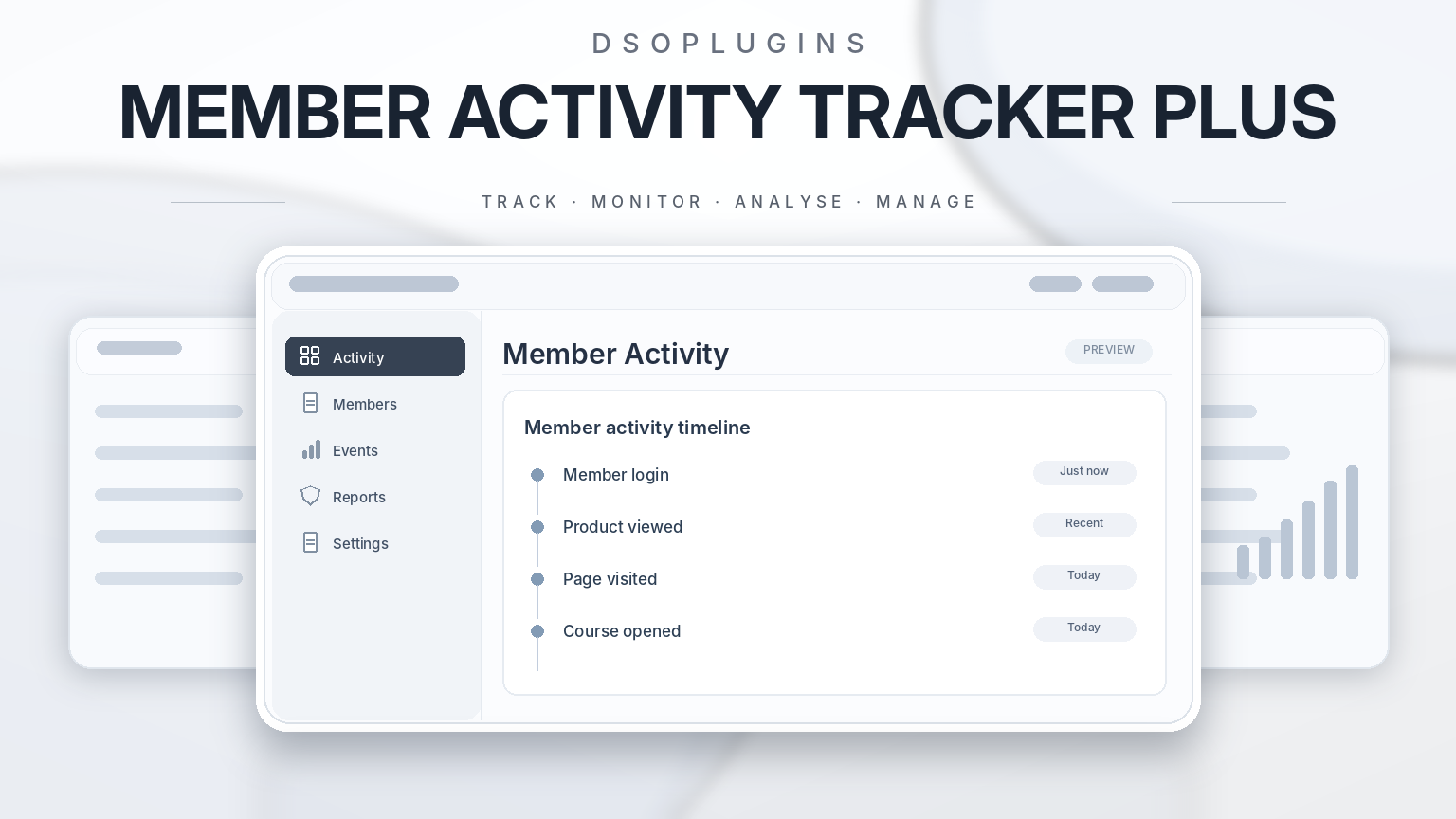
DSOPlugins Member Activity Tracker PLUS
Know when your members log in, discover which pages they visit, and understand how they interact with your WordPress website.
DSOPlugins Member Activity Tracker PLUS is a powerful yet easy-to-use WordPress plugin designed to help website owners monitor registered member activity, review login history, and understand how customers interact with their websites.
Whether you manage a membership website, online store, educational platform, digital downloads business, or customer portal, Member Activity Tracker PLUS provides a clear, organised view of member activity — all from your WordPress administration dashboard.
No complicated setup. No external analytics account. No unnecessary technical knowledge.
—
See What Your Members Are Doing
Understanding how registered users interact with your website can help you improve customer support, identify popular content, investigate account activity, and deliver a better user experience.
Member Activity Tracker PLUS records supported activities while users are logged in, giving you a chronological history of their interactions.
Instead of searching through complicated server logs, you can view member activity directly within WordPress.
Key Features
1. Detailed Member Activity Tracking
Monitor important actions performed by authenticated WordPress users, including:
– Successful member logins and recorded logouts.
– Pages and products visited.
– Account and profile activity.
– WooCommerce shopping activity.
– Supported purchase and order events.
– Download activity where supported.
– Member registration events.
Each recorded event includes a timestamp, helping you understand when activity occurred.
2. Individual Member Activity History
View each member’s activity without searching through hundreds of separate records.
The member overview groups recorded activity by user, allowing you to select View Activity to examine that person’s chronological history.
Discover which pages they visited, when they accessed them, and which supported actions they performed.
3. View Visited Pages Directly
For recorded page visits, the convenient View Page button allows administrators to open the corresponding website page.
This is particularly useful when investigating customer questions, reviewing product interest, or understanding website navigation.
Access to protected pages remains subject to the website’s normal permissions.
4. Flexible Activity Reporting Periods
Choose exactly how much activity history you want to examine.
Available reporting periods include:
– Last hour.
– Last 24 hours.
– Last 7 days.
– Last 30 days.
– Custom date ranges.
The activity window can also be configured using minutes, hours, or days, providing flexibility for different types of websites.
5. WooCommerce Integration
Running an online store?
Member Activity Tracker PLUS supports WooCommerce activity monitoring, helping you understand how registered customers interact with your shop.
Review supported events involving product browsing, shopping carts, purchases, orders, and downloads.
This information can help with customer support and provide valuable insight into customer journeys.
6. Searchable Member Records
Quickly locate individual members and examine their recorded activity.
Rather than working through lengthy event lists, use the member-focused interface to find the information you need.
7. Activity Reports and CSV Export
Export recorded activity reports in CSV format for further analysis, recordkeeping, or review.
CSV files can be opened using Microsoft Excel, Google Sheets, and other compatible spreadsheet applications.
8. Settings Import and Export
Save time when configuring multiple websites.
Export your plugin settings to a JSON file and import them into another compatible installation.
This makes it easier to reproduce your preferred tracking configuration or restore settings when needed.
License keys and personal activity records are not included in settings exports.
9. Administrator Exclusion
Keep your activity reports focused on the users who matter most.
Choose whether administrator activity should be included or excluded from tracking and reporting.
This is especially useful for website owners who regularly access their own websites and do not want their activity included in customer statistics.
10. Privacy-Conscious Tracking
Member Activity Tracker PLUS includes controls designed to support responsible activity monitoring.
Features include:
– Configurable activity-history retention.
– Administrator exclusion.
– Independent activity storage.
– Restricted administration access.
– Settings exports without customer activity data.
– No requirement for external analytics services.
Website owners remain responsible for providing appropriate privacy notices and meeting applicable data-protection requirements.
11. Mobile-Friendly Administration
Manage member activity from your desktop, tablet, or smartphone.
The responsive interface provides readable member records, activity details, and navigation controls without requiring a desktop computer.
12. WordPress Dashboard Integration
Access a convenient overview of member activity from the WordPress administration dashboard.
Quickly review recent activity without navigating through multiple administration pages.
—
Why Choose Member Activity Tracker PLUS?
Understand Your Customers Better
Discover which content, products, and account pages registered members interact with most frequently.
Improve Customer Support
When customers report difficulty accessing downloads, viewing products, or navigating their accounts, recorded activity can provide useful context.
Monitor Account Activity
Review recorded login times and account activity to help investigate unexpected behaviour.
Keep Your Reports Organised
View individual member histories, select reporting periods, and export records when required.
Stay in Control
Choose your tracking preferences, exclude administrators, configure retention periods, and manage activity records from WordPress.
Independent and Lightweight
Member Activity Tracker PLUS operates independently of your theme and other website analytics systems.
It uses its own activity storage and does not require Google Analytics or another third-party tracking account.
—
Ideal For
– WooCommerce stores: Understand registered customer interactions.
– Membership websites: Monitor member access and activity.
– Digital download stores: Review supported download and account events.
– Educational websites: Examine registered learner navigation.
– Subscription platforms: Review account usage and member engagement.
– Customer portals: Help investigate account and support enquiries.
– Business websites: Maintain an organised history of registered user activity.
—
Simple Installation and Setup
Getting started is straightforward.
1. Download the DSOPlugins Member Activity Tracker PLUS ZIP file.
2. Open your WordPress administration dashboard.
3. Navigate to Plugins → Add New → Upload Plugin.
4. Upload the ZIP file and activate the plugin.
5. Open Member Activity PLUS in the WordPress administration menu.
6. Enter and activate your license key.
7. Configure your preferred tracking and privacy settings.
8. Begin reviewing new member activity as events are recorded.
The plugin starts collecting supported events after tracking is enabled. Historical activity from before installation cannot be reconstructed.
—
Licensing and Updates
Member Activity Tracker PLUS includes DSOPlugins commercial licensing integration.
Each license is intended for activation on the permitted website domain according to the purchased license terms.
The plugin includes license activation, verification, and deactivation controls, together with integration designed for automatic updates through the DSOPlugins Update Manager.
Note: Automatic update installation and the complete commercial license lifecycle should be verified before general customer release.
—
Important Information
Member Activity Tracker PLUS records supported website events that occur while users are authenticated. It is not a screen recorder, keylogger, or tool for viewing private browser activity.
Some events, such as closing a browser without logging out, cannot always be detected precisely. Activity outside the website is not monitored.
Tracking begins after the plugin is activated and configured. Actual event coverage may depend on WordPress, WooCommerce, and other installed plugins.
—
Why DSOPlugins?
At DSOPlugins, we develop practical WordPress plugins designed to make website management easier, more efficient, and more accessible.
Our software focuses on useful functionality, straightforward administration, responsive interfaces, and giving website owners greater control over their WordPress websites.
WordPress plugins that get the job done.
—
Take Control of Your Member Activity
Stop searching through complicated logs and start understanding how registered members interact with your website.
With detailed member histories, flexible reporting periods, WooCommerce integration, convenient exports, and a mobile-friendly interface, DSOPlugins Member Activity Tracker PLUS puts valuable member activity information at your fingertips.
Download Member Activity Tracker PLUS and bring clarity to your WordPress member activity.


Reviews
There are no reviews yet.