
Description
DSOPlugins WooCommerce Account Customizer
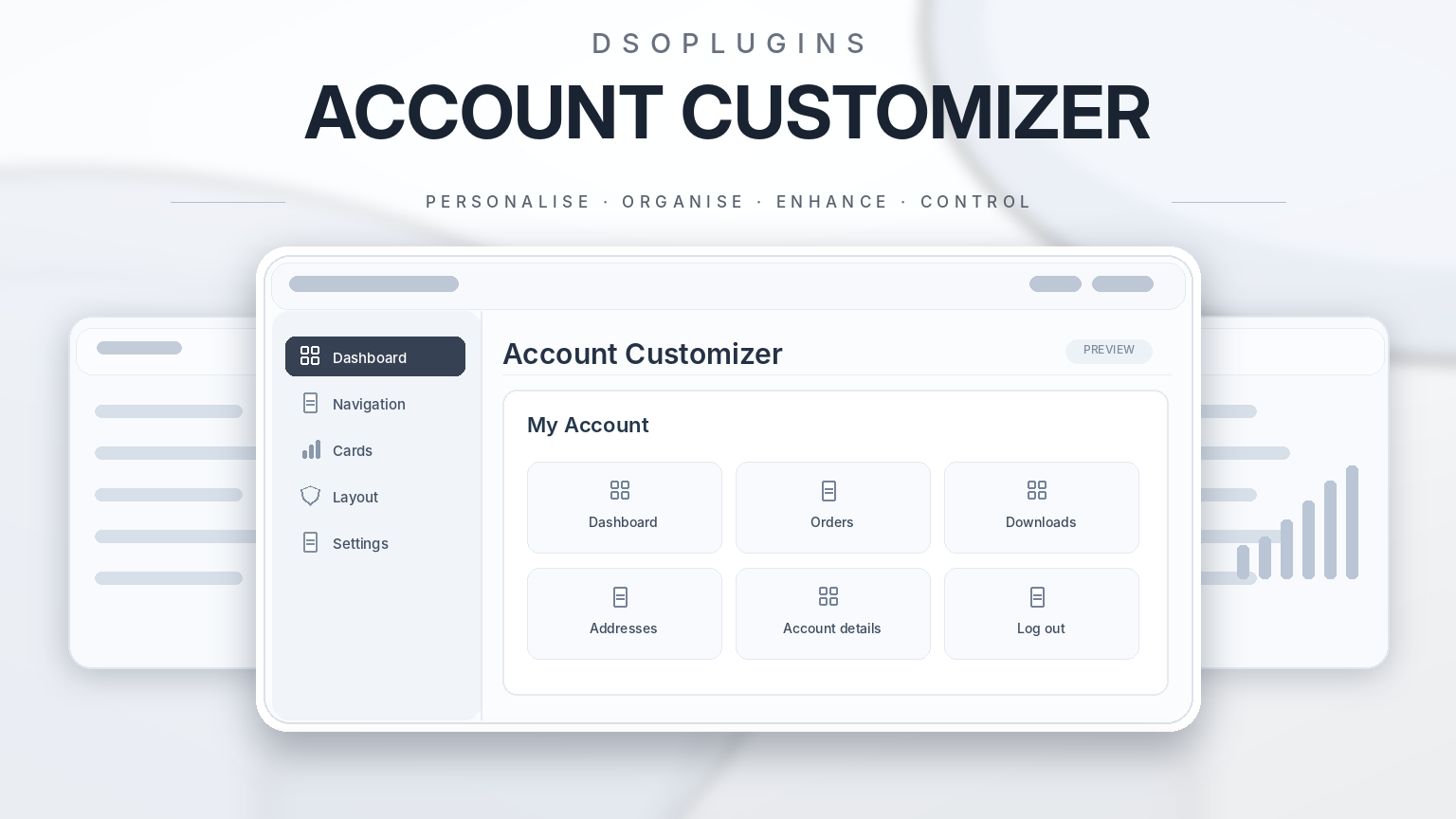
Give your customers a clearer, more personal account experience with custom navigation, branded dashboard cards, useful content tabs and optional profile pictures.
DSOPlugins WooCommerce Account Customizer helps you shape the My Account area around your store. Organise important links, match your branding and give customers convenient access to the information they need—all from your WordPress dashboard.
Make your account area match your brand
Choose horizontal tabs or sidebar navigation, with layouts that adapt to narrower screens. Select from four appearance styles—Modern, Minimal, Rounded and Classic—and customise navigation colours, hover effects, selected states, dashboard cards and panel backgrounds.
Edit built-in menu labels, dashboard card titles, descriptions and action text to suit your store’s language and tone.
Organise customer navigation
Put useful destinations within easy reach:
– Reorder built-in navigation and custom menu links.
– Use desktop drag handles or mobile-friendly Up and Down buttons.
– Hide unwanted built-in links.
– Hide additional links detected from your active theme or plugins.
– Use exact-label hiding for links that appear only in customer sessions.
– Add up to 10 custom menu links to internal or external destinations.
– Choose an icon for each custom link, or select None.
Log out stays last, helping customers find it consistently.
Build a useful customer dashboard
Show shortcut cards for Orders, Downloads, Addresses, Account details and available Payment methods. Enable an optional Support card with your own destination URL.
You can also create up to 10 custom dashboard cards, each with its own:
– Title and optional description.
– Destination URL.
– Show/hide setting.
– Position among your other dashboard cards.
Link customers to existing pages for rewards, memberships, bookings, product guides or other store services. Custom cards provide convenient navigation to those pages; the relevant service remains managed by your existing website or plugin.
Create custom account content tabs
Add up to 10 content tabs using the familiar WordPress Visual and Text editor.
Create welcome information, product instructions, FAQs, customer resources or other useful account content. Each tab has an editable title, URL slug, icon, visibility setting and display order.
Content tabs support safe HTML and registered shortcodes, allowing you to display content supplied by compatible plugins. Personalise your text with placeholders for the customer’s display name, first name or your store name.
Control access by customer role
Make a custom content tab available to every logged-in customer, or restrict it to selected WordPress roles.
Restrictions apply to the tab’s content and its direct account URL. Customers with an unselected role cannot open the restricted section simply by entering its address.
Role restrictions apply to content tabs created by this plugin. Hiding ordinary navigation links does not restrict access to their destinations.
Add profile pictures and a personal welcome
Optionally let customers upload, replace or remove their own profile picture from Account details.
Supported formats are JPEG, PNG and WebP, with file-type, size, dimension and ownership checks. Pictures can be up to 2 MB and 2000 × 2000 pixels, subject to your server’s upload limits.
An optional dashboard welcome panel displays the customer’s name and avatar, together with an Account details link.
Choose icons and a default destination
Enable icons for standard navigation, custom menu links and content tabs. Standard dashboard cards use their corresponding icon choices. Choose from 11 predefined icons, with a None option when you prefer text alone.
You can also choose the default account destination. Send customers to an available standard section or an enabled content tab when they visit the account homepage. Unavailable or restricted destinations fall back to Dashboard.
Save and reuse your configuration
Export saved settings to JSON and import them when restoring a configuration or setting up another store. Exports include appearance settings, custom links, dashboard cards and content-tab configuration, while excluding product licence credentials and individual customer pictures.
Product licensing and eligible published updates are managed through the plugin’s DSOPlugins integration.
Requirements
– WordPress 6.2 or newer.
– WooCommerce installed and active.
– PHP 7.4 or newer.
Custom account templates, themes and shortcode integrations may affect appearance or behaviour, so check your configuration with your chosen theme.
Create an account area that reflects your store and helps customers find what matters.


Reviews
There are no reviews yet.