
Description
DSOPlugins News Ticker PLUS
Professional News Tickers, Announcements & Broadcast-Style Headlines for WordPress and WooCommerce
Bring your website to life with DSOPlugins News Ticker PLUS — a powerful, flexible WordPress plugin that transforms ordinary announcements, headlines, promotions and important updates into eye-catching, animated news tickers.
Whether you’re announcing a special offer, highlighting your latest blog posts, promoting WooCommerce products or creating a television-style breaking news banner, News Ticker PLUS gives you the tools to create professional results without writing code.
With advanced design controls, broadcast-inspired graphics, flexible placement options and automated content, you can create a ticker that fits your website’s branding and communicates your message effectively.
Why Choose DSOPlugins News Ticker PLUS?
A well-designed news ticker helps visitors discover important information without interrupting their browsing experience.
News Ticker PLUS combines professional presentation with practical functionality, giving you control over what appears, how it looks, where it appears and how it behaves.
Perfect for:
– Breaking news and important announcements
– WooCommerce sales and promotional offers
– Latest blog posts and website updates
– Featured products and product categories
– Limited-time campaigns and countdowns
– Business notices and service announcements
– Events, launches and special promotions
– RSS news headlines and external updates
Powerful Features
1. Multiple Content Sources
Display the information that matters most to your visitors.
– Custom announcements: Create your own messages, headlines and promotional notices.
– WordPress posts: Automatically feature recent content.
– WooCommerce products: Highlight products and encourage customers to explore your store.
– Product and post categories: Target specific content categories.
– RSS feeds: Display headlines from supported external feeds.
– Clickable headlines: Direct visitors to relevant pages, articles and products.
Choose the content source that suits your website and keep your ticker relevant.
2. Professional Broadcast-Style Graphics
Create the appearance of a modern television news broadcast directly on your website.
Choose from a variety of visual styles, including:
– Breaking-news-inspired banners
– Featured headline ribbons
– Angled and shaped title graphics
– Broadcast-style headline treatments
– Elegant promotional tickers
– Minimal, modern designs
– Custom colour combinations
Adjust the appearance to complement your brand, whether you prefer a subtle information strip or a bold promotional announcement.
3. Advanced Appearance Controls
Make your ticker your own with flexible styling options.
– Background and text colours
– Title and label styling
– Borders and decorative elements
– Typography and spacing
– Visual presets
– Animation and scrolling behaviour
– Responsive presentation for different screen sizes
Create a consistent look across your website without editing theme files.
4. Smooth Animated Headlines
Present your messages with animated ticker movement that attracts attention while keeping content readable.
Configure the scrolling and animation behaviour to suit your website’s style and purpose.
Whether you want a lively news-style presentation or a more restrained business announcement, News Ticker PLUS provides the flexibility to achieve it.
5. Flexible Placement Options
Place your ticker where it will have the greatest impact.
– Position tickers within your website content
– Use shortcode-based placement
– Configure supported automatic placement options
– Enable sticky positioning where appropriate
– Adapt presentation for desktop and mobile visitors
You decide how prominently your information should appear.
6. Scheduling and Automation
Reduce the need to update announcements manually.
Use the available automation controls to configure content behaviour and keep your ticker useful as your website changes.
This is particularly valuable for busy websites, online stores, blogs and frequently updated information services.
7. Promotional Countdown Displays
Build anticipation and communicate time-sensitive offers using countdown functionality.
Ideal for:
– Seasonal sales
– Product launches
– Special events
– Promotional deadlines
– Limited-time announcements
Customise the countdown’s appearance to match your ticker design.
8. Visitor-Friendly Controls
Give visitors greater control over their experience with optional ticker interaction features.
Depending on your configuration, visitors can pause or dismiss the ticker.
These controls help keep announcements useful without making them unnecessarily intrusive.
9. Built-In Analytics
Access the plugin’s dedicated Analytics section to review available ticker information and monitoring features.
Keep ticker management and reporting organised within the WordPress administration area.
10. Responsive Mobile Design
News Ticker PLUS is designed for modern websites where visitors browse from smartphones, tablets and desktop computers.
Its responsive layout and mobile-friendly controls help your announcements remain attractive and usable across screen sizes.
11. Easy WordPress Administration
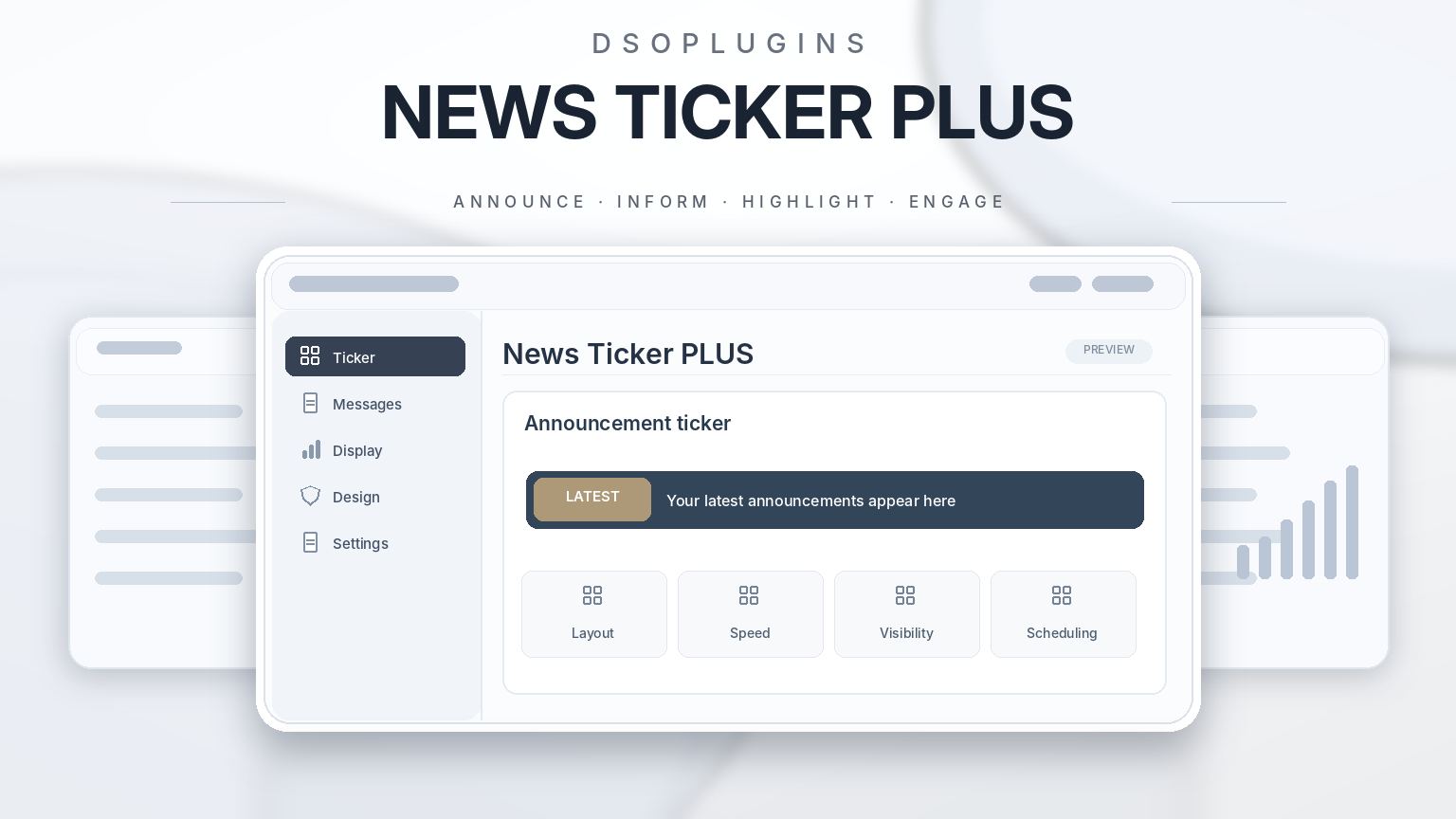
Manage your tickers through an organised administration interface featuring dedicated sections for:
– Content
– Appearance
– Title Graphics
– Broadcast Graphics
– Placement
– Automation
– Analytics
– Guide
– License & Updates
Settings are grouped logically, making the plugin accessible to beginners while retaining advanced customisation options.
12. Built-In Setup Guide
A dedicated Guide section provides practical instructions for creating and configuring your ticker.
Learn how to select content, choose designs, position announcements, configure automated features and use available display options.
13. Licensing and Automatic Updates
News Ticker PLUS integrates with the DSOPlugins licensing and update system.
– License activation and verification
– License status information
– License deactivation
– Support for applicable annual and lifetime license plans
– Update availability checks
– Access to eligible plugin updates
License entitlements and update availability depend on the purchased plan and activation status.
Designed for WordPress and WooCommerce
News Ticker PLUS is suitable for a wide range of websites.
Online stores: Promote featured products, sales, new arrivals and important shopping information.
News and magazine websites: Highlight recent articles, breaking headlines and category-specific updates.
Business websites: Display service notices, announcements and important customer information.
Blogs: Encourage visitors to discover new posts and featured content.
Event websites: Announce upcoming activities, launches and deadlines.
Membership and community websites: Share important notices and timely updates.
Simple Setup — No Coding Required
1. Install and activate DSOPlugins News Ticker PLUS in WordPress.
2. Create a new ticker and give it a descriptive name.
3. Choose your content source, such as announcements, posts, products or RSS.
4. Select your preferred appearance and broadcast graphics.
5. Configure animation, placement and optional features.
6. Save your ticker and display it using the available placement options.
7. Activate your license to access the services included with your plan.
The built-in Guide provides additional help whenever you need it.
Why DSOPlugins?
DSOPlugins develops practical WordPress solutions with a focus on functionality, presentation and customer-friendly administration.
News Ticker PLUS brings together announcement management, animated headlines, promotional tools and broadcast-inspired styling in one dedicated plugin.
One plugin. Multiple ticker styles. Complete creative control.
Make Every Announcement Count
Don’t let your most important updates get overlooked.
From breaking news and featured articles to product promotions and limited-time offers, DSOPlugins News Ticker PLUS helps you communicate information with style, clarity and impact.
Give your website a professional news ticker that works as hard as your content.
DSOPlugins News Ticker PLUS — Professional headlines. Beautiful presentation. Powerful control.




Reviews
There are no reviews yet.