
Description
DSOPlugins Media Studio
Find your media. Organize with confidence.
Turn a crowded WordPress Media Library into an organized collection of images, documents, audio, video and downloadable files.
DSOPlugins Media Studio combines visual browsing, flexible categories and tags, content-based filing suggestions and bulk editing in one convenient workspace. Find files faster, review changes before applying them and restore previous assignments when needed—all from your WordPress dashboard.
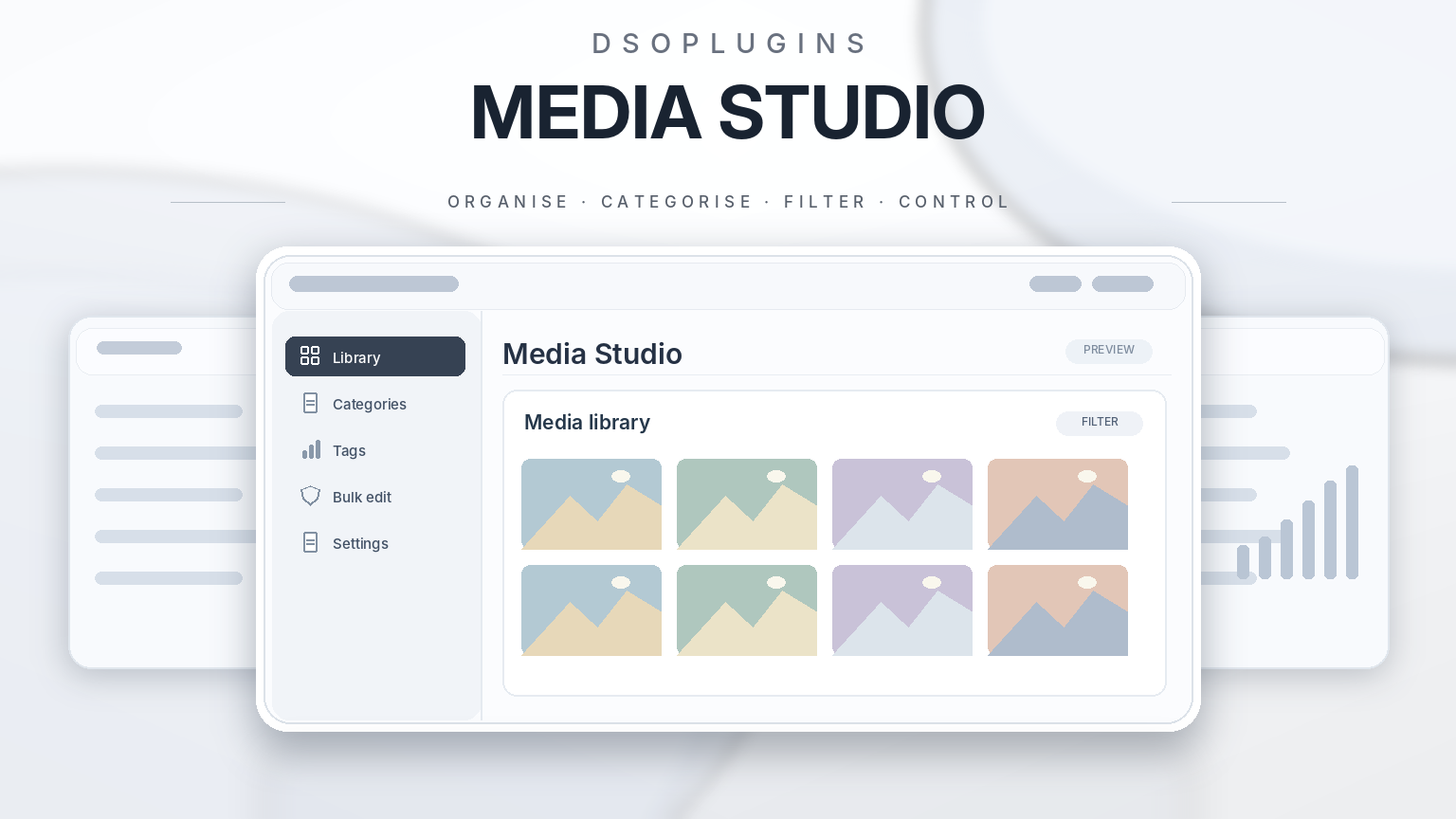
Visual Media Library
Browse your files as thumbnail cards with clear titles, file types, categories and tags.
Search by title, caption or filename, then narrow your results with category, tag and file-type filters. Select files using simple checkboxes, with selections retained as you move between pages.
Manage up to 200 files per operation, making it easier to organize large libraries without entering attachment IDs manually.
Media Filing Assistant
Get useful category and tag suggestions based on the content using your media.
The Filing Assistant checks supported references in posts, pages and WooCommerce products. It draws suggestions from source categories, existing tags and words in titles and content, with explanations showing where each suggestion came from.
– Review suggestions before applying them.
– Accept or reject individual suggested labels.
– Exclude individual files from a batch.
– Identify files used across different topics.
– Review files whose source content has changed.
– Keep existing manually assigned labels.
Suggestions are generated locally from your website content, without requiring an external AI account or paid AI subscription.
Flexible Categories and Tags
Create a filing system that suits your website.
Use nested categories to organize broader topics and subtopics, then add tags for more flexible labeling. Rename categories, change their parent category or merge assignments into another term.
A file can have multiple categories and tags, helping you find it through different topics without uploading extra copies.
Bulk Editing with Preview
Update multiple files together using clear, deliberate actions:
– Add categories or tags while keeping existing assignments.
– Remove selected labels.
– Replace assignments with a new selection.
– Clear categories, tags or both when explicitly selected.
Preview the before-and-after values before applying changes. Files with conflicting edits are skipped to help protect newer work.
On desktop, you can also drag selected media onto a category chip to preview adding that category. Touch-friendly checkbox controls provide an alternative on phones and tablets.
Smart Collections
Save frequently used filters as personal collections for quick access.
Find media with no categories, files missing tags, images missing alternative text, files with detected content usage and files with changed source content.
Combine these collections with search, category, tag and file-type filters to focus on the files you need.
History and Undo
Review recent bulk operations and restore previous assignments when necessary.
History supports bulk editing, assistant filing, CSV imports, assignment merges and category renaming or reparenting. Undo checks for later changes and skips conflicts.
Up to 20 recent operations per user are retained for 30 days.
CSV Import and Export
Export category and tag assignments to CSV for reference or backup.
Preview imported assignments before applying them, with undo protection for changes made through the import tool. Import up to 200 rows per file, with a maximum CSV size of 1 MB.
Works Where You Choose Media
Category and tag filters also appear in the standard WordPress Add Media window, including Classic Editor and standard WooCommerce media pickers.
Find organized files while editing content or choosing product images.
Keep Your Existing Files and Links
Media Studio organizes classifications without moving physical files or changing their URLs. Your existing media links remain intact, and categories, tags, assignments and settings are preserved during updates.
The usage index recognizes supported WordPress content references and WooCommerce galleries. Files with no detected usage may still be used elsewhere; Media Studio does not automatically delete media files.
Built for Everyday WordPress Work
With a mobile-friendly interface, a built-in Setup Guide, clear license controls and WordPress dashboard updates when available, Media Studio helps you maintain an organized library as your website grows.
Spend less time searching—and more time creating.
DSOPlugins — WordPress plugins that get the job done.



Reviews
There are no reviews yet.