
Description
DSOPlugins Image Compressor
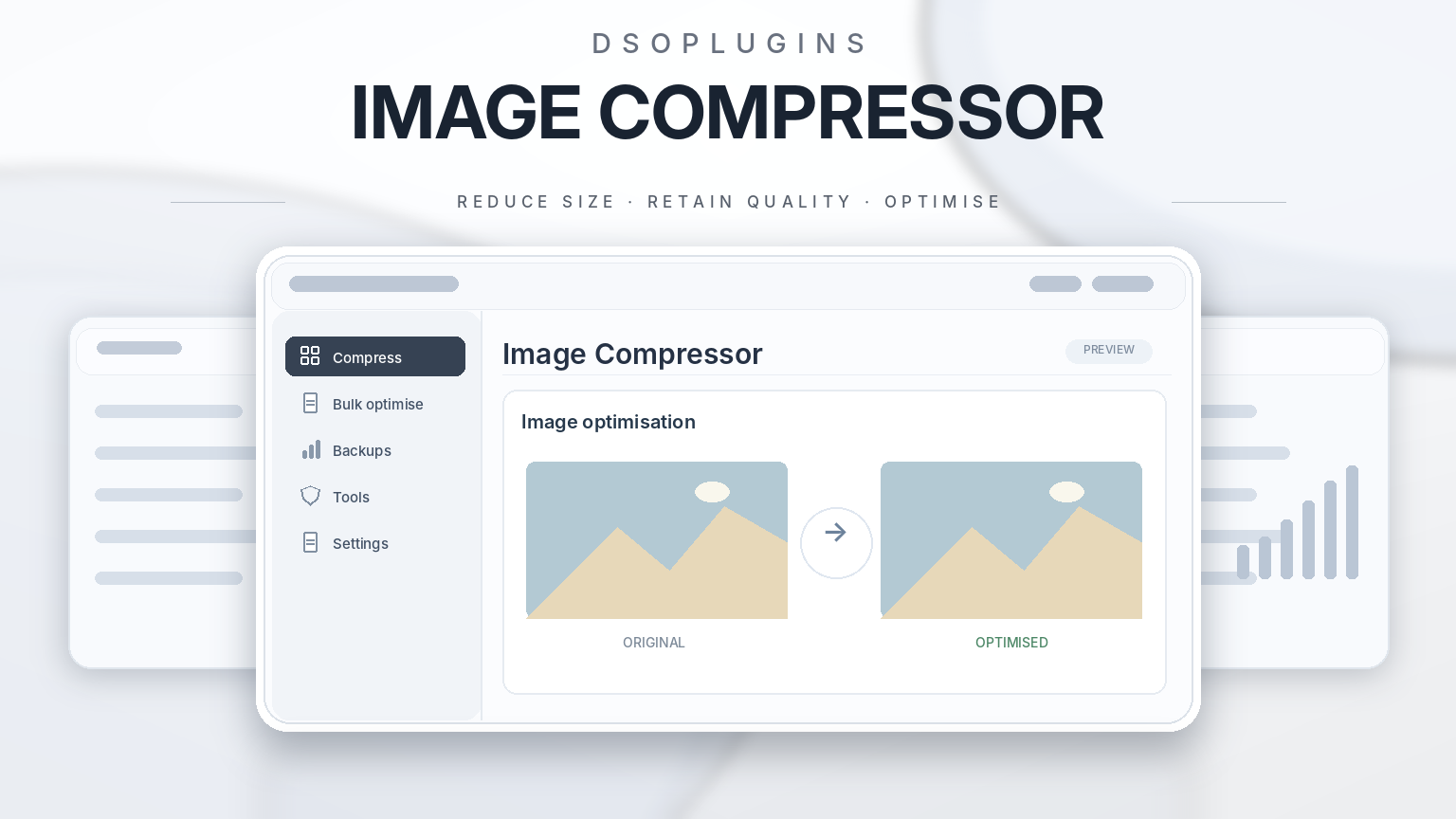
Reduce image file sizes across your WordPress site, from your next upload to the images already in your Media Library.
Large images can add unnecessary weight to product pages, galleries and blog posts. DSOPlugins Image Compressor helps you reduce that weight directly from your WordPress dashboard. Set your preferred compression quality, choose whether to limit image dimensions, and let the plugin handle new uploads automatically. When you’re ready to tackle older images, run the batch optimiser from the same dashboard.
Optimise new uploads automatically
Compress supported JPEG, PNG and WebP images as you upload them. The plugin also processes supported image sizes generated by WordPress, so optimisation can reach the thumbnails and resized copies your site displays.
Compress images already in your Media Library
Use Optimize existing images to process your existing library in batches. You can pause and resume processing while the batch screen stays open, and review estimated file-size savings in the activity log. The plugin checks the compressed file before replacing the current one and keeps the current file when compression produces no saving.
Choose your quality and size limits
Adjust the compression quality to suit your images. You can also set optional maximum dimensions for oversized uploads. This is useful when you upload high-resolution photos for product listings, portfolios or blog posts and want to control how large those files are on your site.
Keep originals for recovery
Enable original-file backups before compression if you want to keep a copy of the original. The Image Recovery tab lets you review saved originals and restore an image file when needed. Recovery is available for files backed up before processing, so enable it before running a batch if you want that option.
Process images on your own server
Compression uses your site’s WordPress image editor, GD or Imagick, depending on your hosting setup. Your images stay on your server throughout processing. There’s no separate compression account or API key to set up.
Get started
1. Sign in to My Account on DSOPlugins to download the plugin ZIP and find your licence key.
2. In WordPress, go to Plugins → Add New Plugin → Upload Plugin, then upload and activate the ZIP.
3. Open Media → Image Compressor → License and activate your key.
4. Choose your quality settings, optional dimensions and backup preference, then save.
5. Test your settings on a few representative images. When you’re happy with the results, select Optimize existing images to process your library.
Licensing and updates
Activate your DSOPlugins licence for the website where you’ll use the plugin. When a new release is available for your licence, you can check for it in the plugin’s Updates tab or through the standard WordPress updates screen.
Requirements and supported formats
– WordPress 6.0 or later
– PHP 7.4 or later
– GD or Imagick with support for the formats you want to process
– Supported formats include JPEG, PNG and WebP. SVG files, animated GIFs, animated PNGs and animated WebP files are skipped.
Frequently asked questions
Will every image get smaller?
Savings vary with the source image, format and quality settings. Images that are already well compressed may offer little or no saving. The plugin keeps the current file if the compressed version is no smaller.
Can I undo compression?
Yes, for files with a saved original. Enable original-file backups before compression, then use Image Recovery if you need to restore one. Take a full site backup before bulk processing.
Can I use it for WooCommerce product images?
Yes. The plugin works with supported product images stored in the WordPress Media Library, including supported image sizes generated by WordPress.
Do I need to upload all my images again?
Your existing Media Library images can be processed in batches from Media → Image Compressor.




Reviews
There are no reviews yet.