
Description
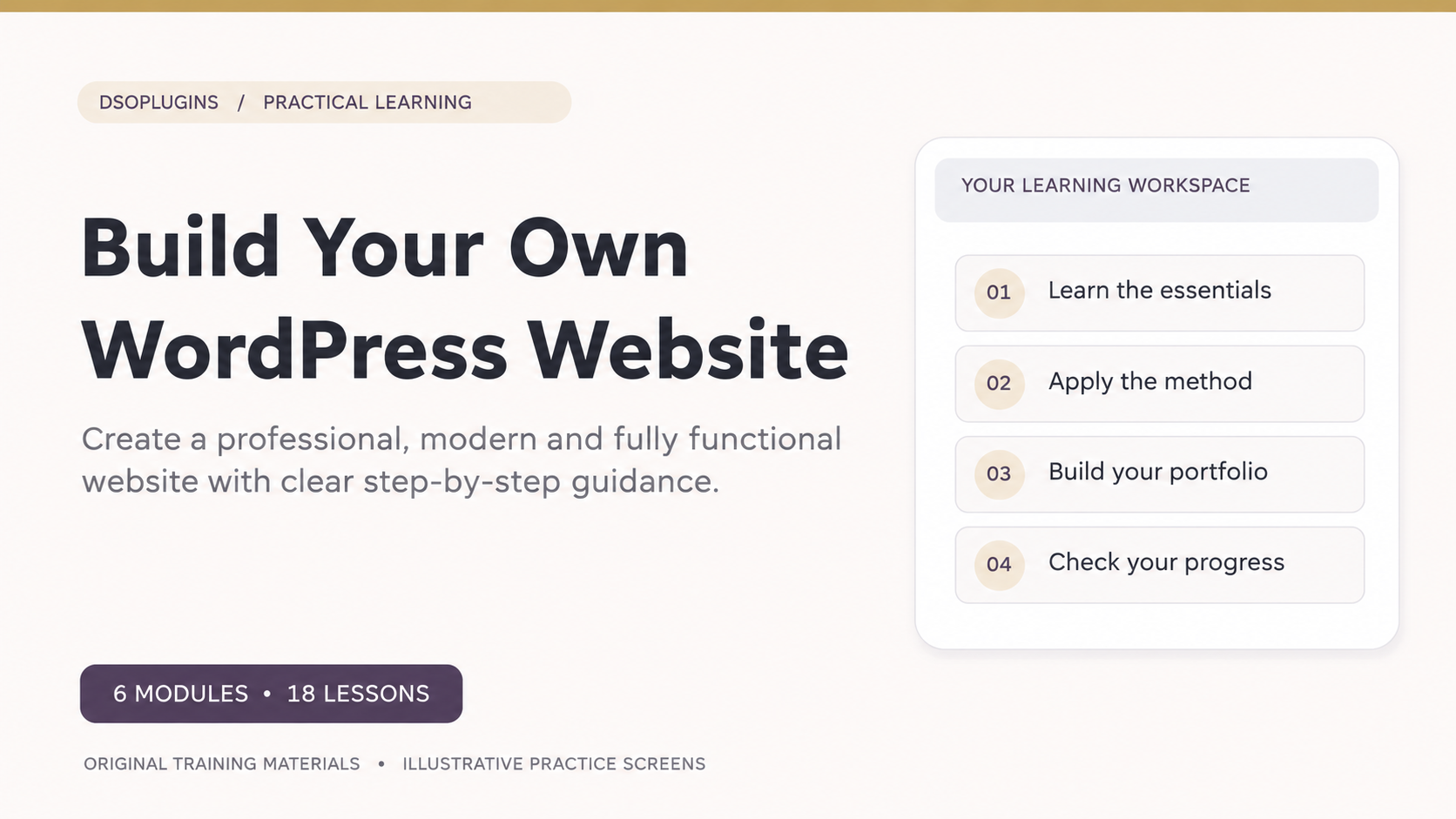
Build Your Own WordPress Website
From your first idea to a professional website — learn to build, design and manage your own WordPress website with confidence.
Creating a website doesn’t have to be complicated. With the right guidance, you can turn your ideas into a beautiful, functional online presence without needing advanced technical knowledge.
Build Your Own WordPress Website is a practical, step-by-step online course from DSOPlugins, designed to help beginners, entrepreneurs, freelancers and small business owners understand WordPress and take control of their websites.
Through clearly structured lessons, realistic demonstrations and hands-on activities, you’ll learn how to plan, build, customise, launch and maintain your own website.
What You’ll Learn
The course takes you through eight essential stages of website creation:
Module 1 — Plan a Website That Works
Define your website’s purpose, understand your audience and develop a clear content and navigation plan.
Module 2 — Domains, Hosting and WordPress Setup
Learn how to choose a domain, evaluate website hosting, install WordPress safely and configure its essential settings.
Module 3 — Themes, Branding and Responsive Design
Explore WordPress themes, personalise colours and typography, and create layouts that work beautifully across desktop and mobile devices.
Module 4 — Build Your Essential Pages
Create professional home, about, services and contact pages while learning to organise content, images and media.
Module 5 — Menus, Content and Visitor Actions
Design intuitive navigation, build useful headers and footers, publish blog posts and guide visitors towards meaningful actions.
Module 6 — Plugins, Privacy and Site Management
Understand essential plugins, contact forms, privacy information, user management, updates and backups.
Module 7 — SEO, Speed and Accessibility
Discover how to improve search visibility, optimise website performance and create a better experience for visitors.
Module 8 — Testing, Launch and Ongoing Care
Test your completed website, prepare it for launch and establish a practical maintenance routine.
What’s Included?
– 8 structured learning modules
– 24 practical, step-by-step lessons
– 8 knowledge checks
– Realistic WordPress training screens and illustrations
– Downloadable workbooks and editable worksheets
– Practical exercises and guided activities
– Self-paced online learning
– Progress tracking through your DSOPlugins learning account
Who Is This Course For?
This course is ideal for:
– Complete beginners who want to create their first website.
– Entrepreneurs preparing to establish an online presence.
– Small business owners who want greater control over their websites.
– Freelancers looking to develop practical WordPress skills.
– Existing WordPress users who want to understand their website more thoroughly.
No previous WordPress experience is required.
Learn by Building
Rather than simply reading about WordPress, you’ll work through practical tasks that help you apply what you’ve learned.
From planning your first pages to testing your completed website, each module builds on the previous one, helping you develop confidence and independence.
By the end of the course, you’ll have the knowledge and a practical roadmap to create, launch and maintain your own WordPress website.
Start Building with Confidence
Whether you’re creating a personal website, developing a business presence or learning a valuable new digital skill, this course provides a structured foundation for your journey.
Your website. Your creativity. Your future.
Start learning with DSOPlugins today.


Reviews
There are no reviews yet.