
Description
DSOPlugins SEO Studio
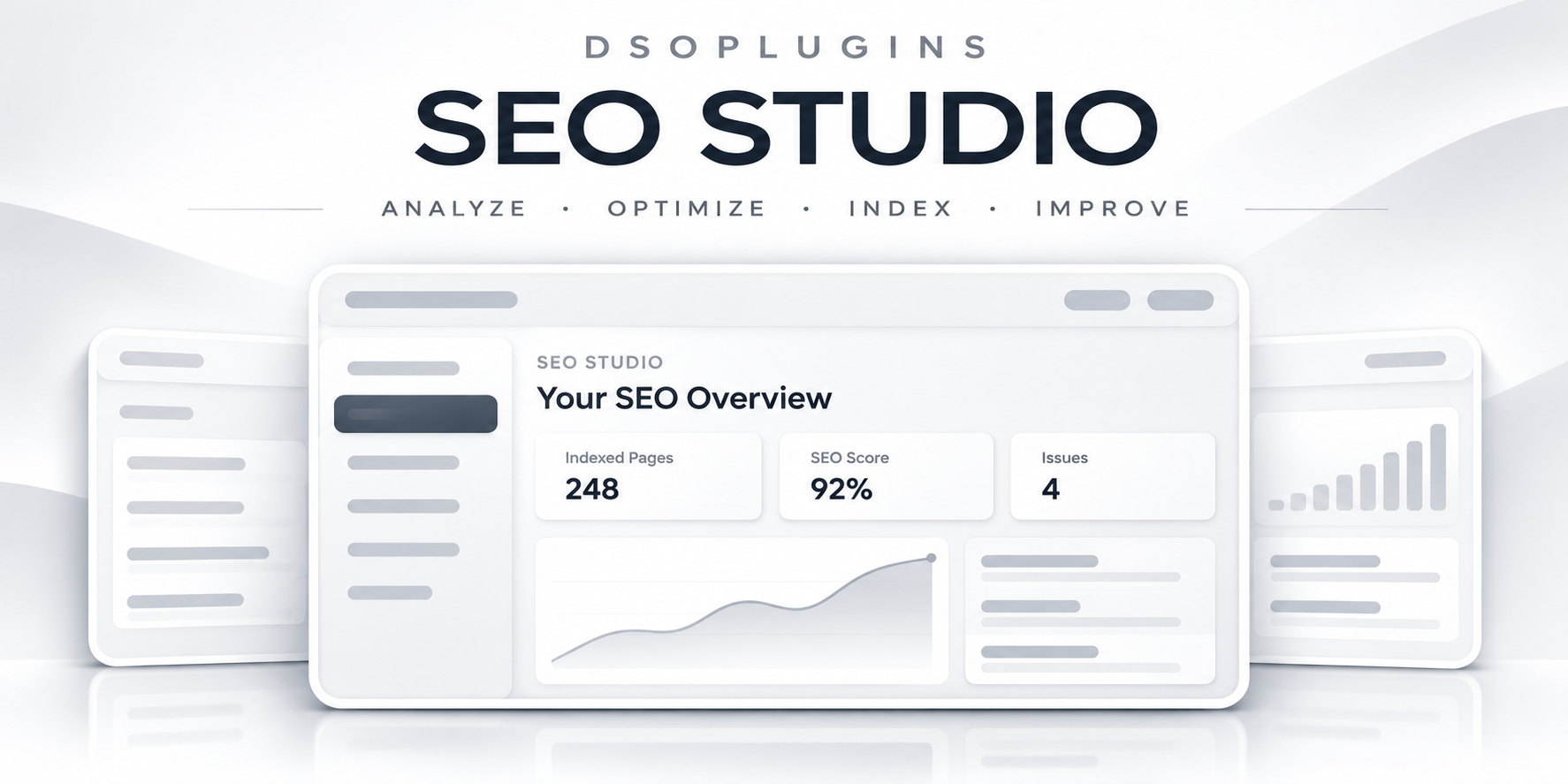
Take control of your website’s search appearance with practical SEO tools for WordPress and WooCommerce. DSOPlugins SEO Studio brings metadata editing, content planning, technical checks, and search performance reporting into one organised dashboard.
Whether you run a blog, business website, or online store, SEO Studio helps you identify improvements, manage your content, and make informed decisions.
Search Appearance and Social Sharing
Create custom SEO titles and meta descriptions, manage canonical URLs and indexing settings, and configure reusable templates. Control how your content appears when shared on social platforms with custom titles, descriptions, and images.
Bulk Editing and Content Planning
Update multiple pages, posts, and products from one screen. Preview metadata defaults and undo your most recent bulk changes. Organise keyword groups, assign content, set review dates, and track progress through the content planner.
Website Audits and Internal Links
Run local content checks or inspect rendered public pages for common SEO issues. Review duplicate metadata, headings, response codes, and selected link problems. Find pages with few incoming content links and approve useful linking suggestions.
Redirects and 404 Monitoring
Manage redirects, identify redirect chains, and prevent local redirect loops. Monitor missing-page requests and create redirects from recorded findings. Import and export redirect rules using CSV files.
WooCommerce and Structured Data
Configure product and category metadata, manage indexing for filtered shop pages, and work alongside WooCommerce’s existing product information. Add content-specific structured data, breadcrumbs, and local business details.
Search Performance and Keyword Tools
Connect Google Search Console to view clicks, impressions, click-through rates, average position, and visual trends. Review top queries and pages, inspect indexed URLs, and request PageSpeed performance insights.
Generate keyword ideas using supported AI providers, or connect an optional paid keyword-data service for search-volume estimates, advertising competition, and cost-per-click information.
Reports, Backups, and Migration
Download branded reports, configure scheduled email summaries, back up your configuration, and import supported metadata from Yoast SEO, Rank Math, or SEOPress.
Designed for Everyday Use
Enjoy DSOPlugins’ purple-and-gold interface, mobile-friendly navigation, and support for both the WordPress block editor and Classic Editor.
Optional external integrations require your own accounts and credentials. Provider charges and quotas may apply. SEO scores and recommendations offer guidance; search rankings and enhanced search appearances are not guaranteed.
DSOPlugins SEO Studio
Take control of your WordPress SEO with practical tools for search appearance, content optimisation, image SEO and website reporting—all from your WordPress dashboard.
Edit page titles and meta descriptions, review website issues, manage redirects and connect Google Search Console to understand how your website performs in Google Search. SEO Studio works with the Classic Editor and block editor, with additional support for WooCommerce.
Easier Image SEO in v2.5.1
The redesigned Image SEO workspace makes managing your Media Library simpler:
– Edit image keywords and alt text directly in a compact table or image-card view.
– Display 20, 50 or 100 images per page.
– Quickly find images with missing keywords or alt text.
– Preview keyword suggestions drawn from linked page titles and content, with image titles or filenames used as a fallback.
– Apply changes to selected images or all images matching your filters.
– Add common keywords, fill missing keywords or deliberately replace existing keywords.
– Follow bulk progress and stop after the current batch.
– Mark decorative images to exclude them from automatic keyword actions.
– Optionally fill missing keywords and alt text on new uploads.
Missing-field actions preserve existing text. Suggestions remain editable so you can review them for accuracy and relevance.
More tools for your website
– Search appearance controls: Manage SEO titles, descriptions, canonical URLs, indexing preferences and social sharing metadata.
– Bulk metadata editing: Update multiple pages efficiently, with undo support.
– Website audits: Identify missing or duplicate metadata and other issues that need attention.
– Google Search Console reporting: View clicks, impressions, search queries, page performance and period comparisons after connecting your account.
– Sitemap tools: Manage WordPress, News and Video sitemaps, with previews, optional HTML sitemaps and Google submission tools.
– Redirects and 404 monitoring: Manage URL changes, review missing-page requests and create redirects.
– Content tools: Explore internal-link suggestions and organise work with a content planner.
– Structured data and WooCommerce support: Configure relevant schema and product-related SEO settings.
– Status dashboard: Review audit results, metadata coverage and image keyword coverage in one place.
– Reports and backups: Download branded reports, configure optional email summaries and back up your settings.
Core SEO editing and local audits work without external service accounts. Optional Google, PageSpeed and keyword-data features require the relevant connections; provider limits or charges may apply.
Image keywords are separate from alt text. Media Library updates do not automatically rewrite alt text already embedded in existing page content. SEO scores and suggestions provide guidance and do not guarantee search rankings.
A clearer way to manage your website’s SEO—from individual page improvements to bulk image updates.
DSOPlugins — WordPress plugins that get the job done.


Reviews
There are no reviews yet.