
Description
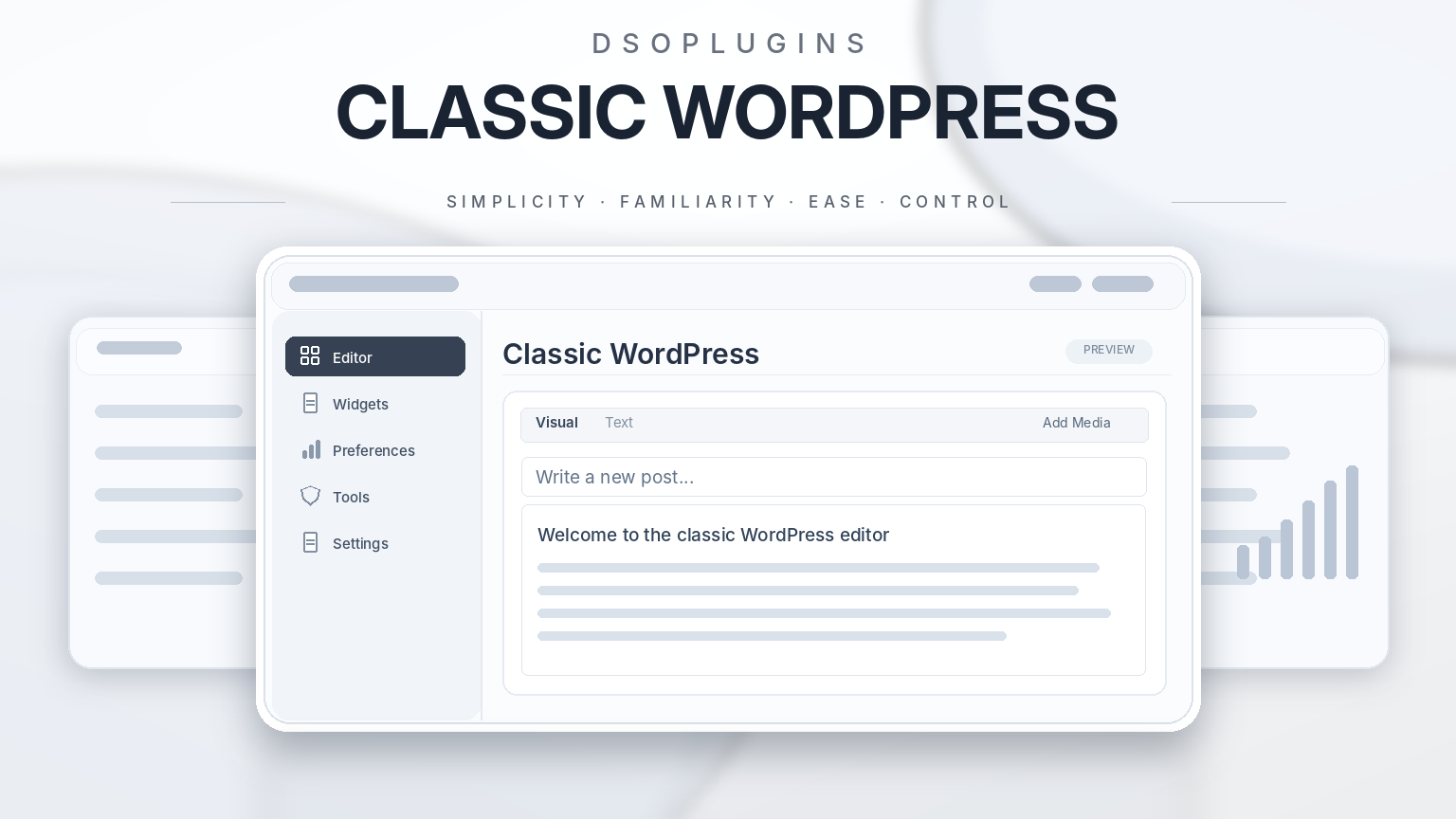
DSOPlugins Classic WordPress
Bring Back the Classic WordPress Experience — With Modern Flexibility
Take control of your WordPress editing experience. Enjoy the simplicity of the Classic Editor, the familiarity of Classic Widgets and the freedom to choose how you work.
DSOPlugins Classic WordPress brings the traditional WordPress editing experience back to your website while introducing powerful modern controls, intelligent editor switching and personalised preferences.
Whether you’re a blogger, content creator, website administrator, developer or WooCommerce store owner, you can create a comfortable editing environment that works the way you want.
No unnecessary complexity. No forced editing experience. Just familiar WordPress tools with greater flexibility.
Rediscover the WordPress You Love
Not everyone wants to build content using blocks.
For many WordPress users, the traditional editor offers a faster, simpler and more natural way to write, format and publish content.
DSOPlugins Classic WordPress restores that familiar experience while giving you the freedom to decide where the Classic Editor should be used and where modern editing tools should remain available.
It’s the classic WordPress experience, thoughtfully enhanced for today’s websites.
Key Features
Classic Editor Restoration
Bring back the familiar WordPress editing interface with its traditional Visual and Text editing modes.
– Restore the traditional WordPress content editor.
– Enjoy familiar formatting and publishing controls.
– Work comfortably with existing classic content.
– Configure editor behaviour for supported content types.
– Reduce unnecessary editing distractions.
– Maintain compatibility with traditional WordPress workflows.
Smart Editor Switching — New
Two editors. One website. Your choice.
Switch between the Classic Editor and WordPress Block Editor wherever switching is permitted.
Perfect for websites where different users prefer different editing environments.
– Switch between Classic and Block editors.
– Convenient editor-switching access from the administration toolbar.
– Choose the editing experience that suits your work.
– Allow different editors for different content types.
– Respect administrator-defined restrictions.
– Keep existing site-wide editor settings as the default until a personal preference is selected.
You no longer need to impose the same editing experience on every user.
Intelligent Editor Memory — New
Your editor. Your preference. Remembered.
DSOPlugins Classic WordPress remembers an individual user’s editor preference, helping create a consistent editing experience.
– Remember preferred editors for individual users.
– Maintain separate preferences for supported content types.
– Reduce repetitive editor selection.
– Preserve personal choices across future editing sessions.
– Apply site defaults when no personal preference has been saved.
For example, an author can prefer Classic Editor for blog posts while using the Block Editor for pages.
The plugin remembers these choices automatically.
Content-Type Exclusions — New
Decide exactly where editor switching is available.
Not every content type needs the same editing tools.
Administrators can control editor switching for supported content types, including:
– Blog posts
– WordPress pages
– WooCommerce products
– Registered custom post types
Exclude selected content types from switching while allowing users to choose their editor elsewhere.
This is particularly useful for business websites, online stores and websites with specialised content.
Classic Widgets Restoration
Return to the traditional WordPress Widgets interface.
– Manage widgets using the familiar classic interface.
– Avoid unnecessary block-based widget editing.
– Work with existing traditional widgets.
– Restore a straightforward widget management experience.
Ideal for users who prefer the simplicity of traditional WordPress widget administration.
Advanced Classic Editor Formatting — Enhanced
Enjoy additional formatting options within the traditional WordPress editor.
Available enhancements include:
– Underline
– Strikethrough
– Horizontal rules
– Superscript
– Subscript
– Expanded formatting toolbar controls
Create more polished articles, descriptions and pages without relying on additional formatting plugins.
Plain-Text Paste Mode — New
Copying content from documents, websites and emails can introduce unwanted formatting.
The optional plain-text paste mode helps keep your content clean and consistent.
– Reduce unwanted copied formatting.
– Avoid unnecessary font and style inconsistencies.
– Simplify content preparation.
– Maintain greater control over your editor’s appearance.
A particularly useful feature for writers, publishers and businesses regularly importing written content.
Gutenberg and Block Editor Controls
Prefer Classic Editor for some content but still need modern WordPress functionality elsewhere?
DSOPlugins Classic WordPress provides configurable controls for Gutenberg and related editing interfaces.
– Manage Block Editor availability.
– Configure editor behaviour by content type.
– Control supported block-based editing features.
– Manage Site Editor and block-template restrictions.
– Create a more traditional WordPress administration experience.
Enjoy classic simplicity without unnecessarily restricting your entire website.
WooCommerce Editing Compatibility
Running an online store?
DSOPlugins Classic WordPress includes controls designed to accommodate WooCommerce editing workflows.
– Manage supported product editing preferences.
– Configure editor behaviour for products.
– Exclude product content from editor switching where appropriate.
– Maintain greater consistency when managing store content.
WooCommerce compatibility depends on the product editing interface and installed extensions.
User-Friendly Administration
Powerful controls should not require complicated configuration.
DSOPlugins Classic WordPress provides a central administration area where website owners can manage their editing experience.
– Organised settings and controls.
– Clear configuration options.
– User guidance.
– Editor compatibility information.
– Import and export settings.
– Restoration options for supported settings.
Designed to be approachable for everyday WordPress users while offering useful flexibility for administrators.
Built-In Compatibility Awareness
Changing editors can affect certain content layouts, especially pages containing complex block structures.
The plugin includes editor compatibility checks and warnings to help users make informed decisions.
Switching between editors should always be approached carefully when working with complex existing content.
Professional Licensing and Updates
DSOPlugins Classic WordPress includes integrated licence management and automatic update support.
– Licence activation and status information.
– Support for available annual and lifetime licence options.
– Automatic update integration.
– Centralised access to the user guide and support.
– Professional administration interface.
Updates and support are provided according to the terms of the selected licence.
Designed for Real WordPress Workflows
For Bloggers and Writers
Enjoy familiar writing tools, expanded formatting options and remembered editor preferences.
For Business Websites
Choose different editing experiences for pages, posts and other supported content types.
For WooCommerce Store Owners
Manage product editing preferences without forcing the same editor configuration across the entire website.
For Multi-Author Websites
Allow individual users to maintain their preferred editing experience where permitted by the administrator.
For Developers and Agencies
Create more consistent WordPress environments using configurable content-type controls, exclusions and portable settings.
Why Choose DSOPlugins Classic WordPress?
Feature| Included
Classic Editor restoration| ✓
Classic Widgets restoration| ✓
Smart editor switching| ✓
Remember user preferences| ✓
Content-type exclusions| ✓
Per-content-type editor preferences| ✓
Advanced formatting toolbar| ✓
Plain-text paste mode| ✓
Gutenberg controls| ✓
Site Editor restrictions| ✓
WooCommerce editing controls| ✓
Custom post type support| ✓
Compatibility checks and warnings| ✓
Settings import and export| ✓
Integrated licensing and updates| ✓
User guide and support access| ✓
The Best of Classic and Modern WordPress
You shouldn’t have to choose between the familiarity of traditional WordPress and the flexibility of modern editing.
With DSOPlugins Classic WordPress, you can enjoy both.
Restore the editing environment you love, personalise the experience for individual users and control exactly where different editing tools are available.
Classic simplicity. Modern control. Your WordPress, your way.



Elisabetta Migliarini (verified owner) –
I found it a lot easier and faster to work without the WordPress block-editing screens. The plugin does what it’s supposed to do!!