
Description
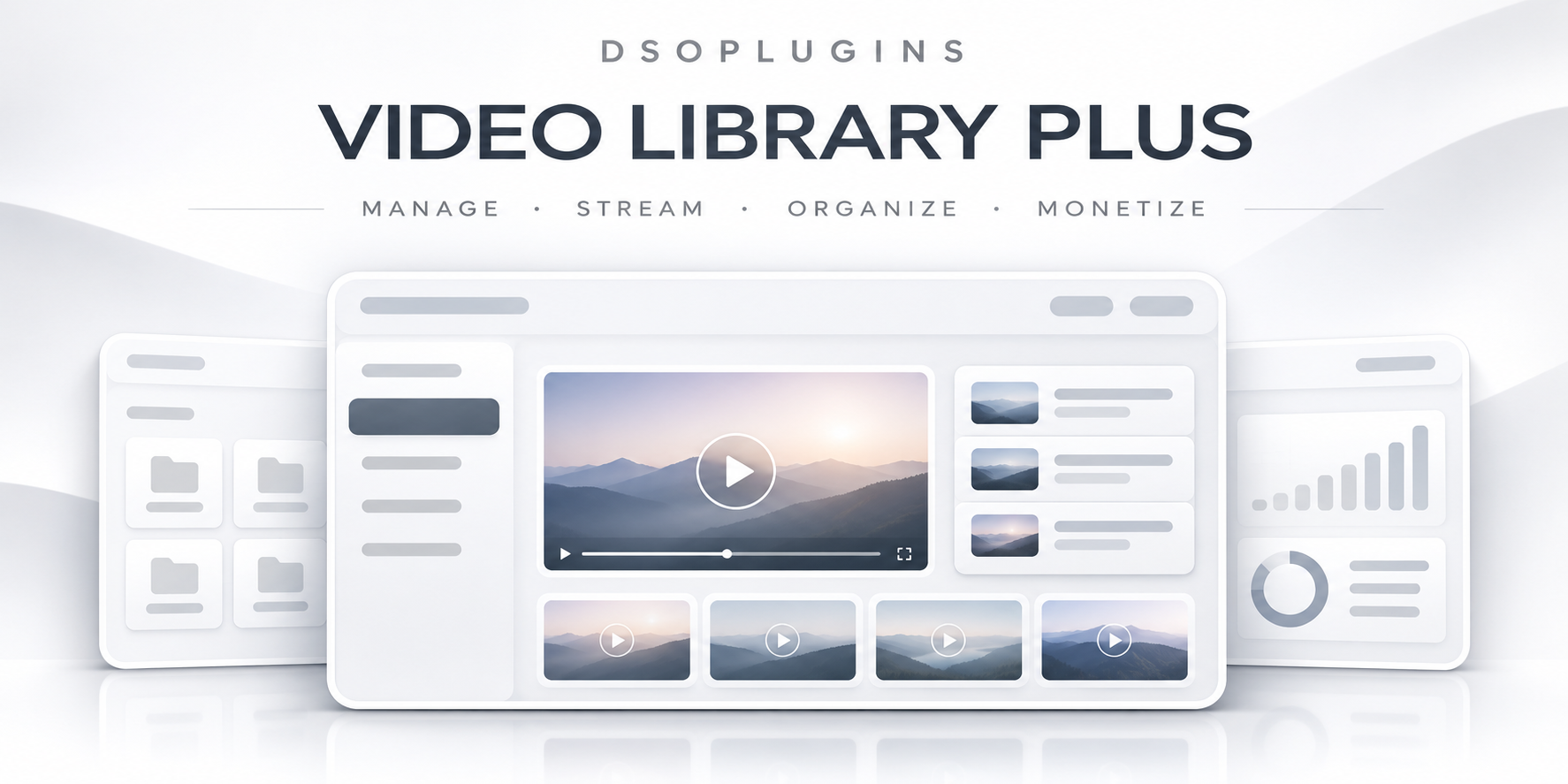
DSOPlugins Video Library PLUS
Your Professional Video Library & Digital Video Sales Solution for WordPress
Create, manage, sell and deliver premium video content directly from your WordPress website.
Transform your WordPress website into a professional video platform with DSOPlugins Video Library PLUS, a powerful video management and delivery solution designed for businesses, educators, content creators, coaches and digital entrepreneurs.
Whether you’re selling educational courses, exclusive tutorials, training videos, entertainment, wellness sessions or premium digital content, Video Library PLUS helps you deliver a smooth, organised and professional viewing experience.
Built with WooCommerce integration, flexible video hosting options and customer access management, the plugin brings your video business together in one convenient WordPress environment.
Turn Your WordPress Website Into a Premium Video Platform
Why send your customers to an external platform when you can provide your own branded video library?
DSOPlugins Video Library PLUS allows you to manage your video catalogue, connect videos to WooCommerce products and give customers a dedicated area where they can access their purchased content.
Customers can browse their available videos, select what they want to watch and enjoy playback directly on your website.
You maintain control over your products, customer relationships and website presentation.
Key Features
1. Professional Video Library
Create and organise your own video collection from the WordPress administration area.
– Dedicated video management interface.
– Create individual video entries.
– Add titles, descriptions and preview images.
– Organise and manage published video content.
– Display videos in a customer-friendly library.
– Dedicated playback pages.
– Responsive presentation for desktop, tablet and mobile devices.
– Convenient navigation back to the video library.
Provide a professional viewing experience without requiring customers to navigate complicated WordPress administration screens.
2. WooCommerce Integration
Sell your videos using the familiar WooCommerce shopping experience.
– Connect videos to WooCommerce products.
– Sell individual videos.
– Associate multiple videos with a single product.
– Support video collections and bundled purchases.
– Automatically grant access following qualifying completed orders.
– Link purchased content to customer accounts.
– Use your existing WooCommerce payment gateways.
– Manage purchases through WooCommerce orders.
Your customers purchase videos through your normal checkout process and access eligible content through their personal library.
3. Personal Customer Video Libraries
Give every customer their own dedicated viewing area.
Customers can:
– Sign in to their website account.
– View videos associated with their purchases.
– Open available videos from their personal library.
– Watch purchased content on your website.
– Return easily to their library after viewing.
The library can be integrated into your website using the supplied shortcode and linked from WooCommerce My Account.
This creates a convenient, professional experience for customers who purchase more than one video.
4. Multiple Video Hosting Providers
Video Library PLUS is designed to work with external video hosting services, helping you avoid placing large video files directly on your WordPress hosting account.
The plugin includes playback integrations for:
– Bunny Stream — professional video hosting and streaming.
– Cloudflare Stream — cloud-based video delivery.
– Mux — video streaming infrastructure.
– Vimeo — hosted video playback.
Choose the provider that best suits your business requirements, audience and hosting budget.
An appropriate account, provider configuration and any applicable third-party fees are separate from the plugin.
5. Video Preview Images & Visual Presentation
Make your video catalogue more attractive and easier to navigate.
– Assign video preview images.
– Use images to identify individual videos.
– Present videos in an organised library.
– Provide clear viewing links.
– Maintain a consistent customer experience.
Preview images help customers recognise their purchased content without relying entirely on video titles.
6. Customer Access Management
Keep purchased content associated with the appropriate customer accounts.
– WooCommerce order-based video entitlements.
– Customer-specific video access.
– Access checks before protected playback.
– Support for individual videos and collections.
– Integration with WordPress user accounts.
– Centralised video and purchase management.
This helps prevent ordinary visitors from accessing customer-only playback pages without the appropriate entitlement.
Important: As with any online video solution, no system can guarantee complete protection against screen recording or all forms of video copying.
7. Permanent Purchase Access
Ideal for businesses selling videos that customers should be able to revisit.
Video Library PLUS supports ongoing access to purchased videos, provided the associated customer entitlement remains valid and the content and streaming service remain available.
This is particularly useful for:
– Educational video collections.
– Training and instructional materials.
– Wellness and meditation sessions.
– Digital workshops.
– Specialist tutorials.
– Premium recorded presentations.
Customers do not need to purchase the same video repeatedly simply to watch it again.
8. Easy WordPress Administration
Manage your video business from a dedicated WordPress interface.
The plugin includes:
– Organised administration sections.
– Video management tools.
– Hosting provider settings.
– WooCommerce product associations.
– Customer access functionality.
– Setup guidance.
– Dedicated licensing information.
– Integrated application update controls.
The interface is designed to make everyday management approachable for website owners without advanced technical knowledge.
9. Responsive Viewing Experience
Your customers may watch from a desktop computer, laptop, tablet or smartphone.
Video Library PLUS is designed with responsive layouts to support different screen sizes and provide a consistent browsing experience.
The video library and playback experience adapt to the available display space, subject to the selected streaming provider’s player capabilities.
10. WordPress & WooCommerce Compatibility
Designed for websites already using WordPress and WooCommerce.
– Works within the WordPress environment.
– Uses WooCommerce for purchases and order management.
– Supports customer account integration.
– Provides shortcode-based library placement.
– Uses external streaming providers for video delivery.
– Fits into existing WordPress website workflows.
Ideal For
Online educators and trainers
Sell instructional videos, lessons, workshops and specialist educational content.
Wellness professionals
Provide customers with purchased meditation, yoga, healing and personal development sessions.
Content creators
Build a private collection of premium video content available to paying customers.
Businesses and organisations
Deliver recorded seminars, training presentations and professional learning materials.
Coaches and consultants
Offer exclusive recorded guidance and educational resources.
Digital product stores
Expand an existing WooCommerce shop with premium video products and collections.
How It Works
Step 1 — Install and configure
Install Video Library PLUS on your WordPress website and configure your preferred supported video hosting provider.
Step 2 — Add your videos
Create video entries, provide the necessary playback information and add titles, descriptions and preview images.
Step 3 — Create your products
Create WooCommerce products for individual videos or video collections and associate the appropriate video content.
Step 4 — Customers purchase
Customers purchase through your existing WooCommerce checkout and payment system.
Step 5 — Access is granted
Once an eligible order reaches the required status, the plugin grants access to the associated video content.
Step 6 — Customers watch
Customers sign in, visit their personal video library and open their purchased videos.
Why Choose DSOPlugins Video Library PLUS?
Your website, your business
Build your premium video catalogue within your own WordPress website instead of relying on an external video marketplace.
WooCommerce-powered selling
Use familiar products, orders, checkout processes and payment gateways.
Flexible video hosting
Choose from supported professional streaming providers.
Convenient customer access
Give purchasers a dedicated library containing their available videos.
Sell individual videos or collections
Offer different purchase options to suit your content catalogue.
Professional presentation
Use organised library layouts, preview images and dedicated viewing pages.
Designed for growth
Start with individual video sales and expand your content catalogue as your business develops.
Requirements
– A working WordPress installation.
– WooCommerce installed and configured for video sales.
– A compatible PHP and WordPress hosting environment.
– An account with a supported video hosting provider.
– Correctly configured video playback information.
– Customer accounts for personal library access.
– HTTPS is recommended for secure website operation.
Video hosting, streaming bandwidth, storage, payment processing and other third-party service charges are not included.
Current Features & Future Development
Video Library PLUS currently focuses on video management, WooCommerce purchase integration, customer-specific video libraries and supported provider playback.
Additional capabilities being developed for future versions include advanced viewing progress, Continue Watching, favourites, enhanced library designs, rentals, subscriptions, memberships, expanded analytics and additional monetisation options.
Future features are not included in the current purchase unless explicitly announced as available in the installed version.
Build Your Own Premium Video Business
Your video content deserves more than a collection of ordinary links.
With DSOPlugins Video Library PLUS, you can create a professional environment where customers purchase, discover and watch your premium content through your own WordPress website.
From individual instructional videos to extensive digital video collections, Video Library PLUS provides the foundation for a growing video business.
Create your library. Sell your content. Deliver a professional viewing experience.
DSOPlugins Video Library PLUS — Your Videos. Your Website. Your Business.



Reviews
There are no reviews yet.