
Description
DSOPlugins Inline Related Posts
Keep Visitors Engaged. Connect Related Articles Automatically. Make More of Your Content Discoverable.
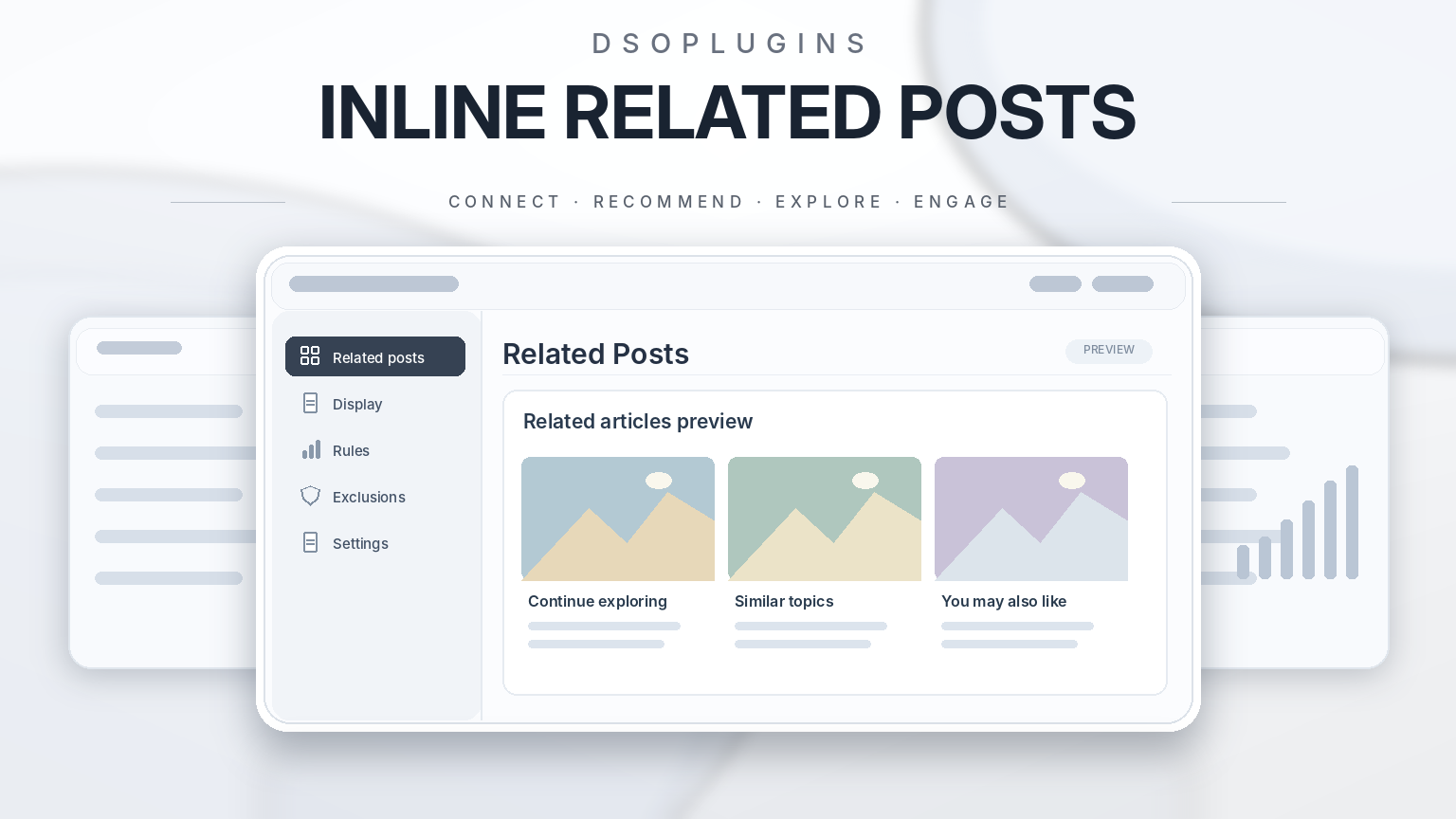
Transform the way visitors explore your WordPress website with DSOPlugins Inline Related Posts, an intelligent and customisable plugin that automatically displays relevant articles within your content.
Instead of allowing visitors to finish reading an article and leave, guide them towards other useful posts that match their interests.
Whether you operate a personal blog, business website, online magazine or educational platform, DSOPlugins Inline Related Posts helps create a more connected and engaging reading experience.
Why Choose DSOPlugins Inline Related Posts?
Your website may contain hundreds of valuable articles, but visitors often discover only a small selection.
DSOPlugins Inline Related Posts helps solve this problem by identifying relevant content and displaying recommendations in carefully selected positions throughout your articles.
Make valuable content easier to discover, give older articles additional visibility and encourage visitors to continue exploring your website.
Powerful Features
Intelligent Related-Post Matching
Automatically recommend articles using configurable matching methods.
– Keyword Matching: Identify articles containing relevant words and phrases.
– Category Matching: Connect articles belonging to related categories.
– Tag Matching: Recommend posts sharing common tags.
– Recent Content: Prioritise newer articles when appropriate.
– Custom Keywords: Fine-tune recommendations using selected keywords.
– Matching Controls: Adjust how closely articles should relate to each other.
The intelligent matching system helps provide relevant recommendations rather than simply displaying random articles.
Flexible Automatic Placement
Choose where related articles appear within your content.
– After a selected paragraph
– At the beginning of an article
– At the end of an article
– Manually using a shortcode
Configure automatic placement once and allow the plugin to manage recommendations across eligible content.
Attractive, Customisable Displays
Present related articles in a style that complements your website.
– Professional related-content cards
– Compact list-style recommendations
– Optional featured images
– Optional article excerpts
– Customisable colours
– Flexible appearance settings
– Responsive layouts for mobile, tablet and desktop visitors
Create a consistent presentation without needing to redesign your website.
Content Exclusions and Display Controls
Maintain control over where recommendations appear.
– Enable or disable automatic insertion.
– Select eligible content types.
– Exclude individual posts or pages.
– Adjust matching and placement settings.
– Use manual placement where preferred.
These options help ensure that recommendations appear only where they are appropriate.
Performance-Conscious Design
DSOPlugins Inline Related Posts includes performance-focused improvements designed to make content recommendations efficient and consistent.
– Recommendation caching
– Automatic cache invalidation when relevant content changes
– Improved keyword matching
– Consistent recommendation ordering
– Configurable selection rules
The plugin is designed to balance content relevance with efficient WordPress operation.
Easy-to-Use Administration Dashboard
Manage your related-content settings through an organised WordPress administration interface.
Configure matching, placement, appearance, exclusions and shortcode options through clearly arranged sections.
The professional DSOPlugins purple-and-gold interface provides straightforward navigation and accessible configuration options.
Benefits for Your Website
Encourage Visitors to Explore More
Introduce readers to additional articles relevant to their interests, creating opportunities for longer browsing sessions.
Give Older Articles New Visibility
Bring useful previously published content back into view through relevant recommendations.
Strengthen Internal Content Connections
Create additional navigation links between related articles, supporting a more organised website structure.
Support Your SEO Strategy
Relevant internal links can help search engines discover connected content and understand relationships between articles.
While no plugin can guarantee higher search rankings, thoughtful internal linking is an established part of website optimisation.
Save Valuable Administration Time
Reduce the need to manually add related-content links to individual articles.
Improve the Reading Experience
Help visitors find additional information without forcing them to search through menus or archives.
Who Is It For?
Bloggers and Content Creators
Connect tutorials, guides, reviews and articles covering similar subjects.
Business Websites
Recommend supporting information, company resources and educational content.
Online Magazines and Publishers
Help readers navigate extensive article libraries.
Educational Websites
Connect related lessons, explanations and learning materials.
WordPress Website Owners
Make valuable content easier to discover with configurable automated recommendations.
Simple Installation and Setup
Step 1 — Download the Plugin
Download the DSOPlugins Inline Related Posts ZIP package.
Step 2 — Install the Plugin
Open your WordPress dashboard and navigate to:
Plugins → Add New Plugin → Upload Plugin
Upload the ZIP file and activate the plugin.
Step 3 — Configure Your Recommendations
Choose your preferred matching methods, display appearance, placement positions and exclusions.
Step 4 — Enable Related Content
Activate automatic insertion or use the available shortcode for manual placement.
Your website can now recommend relevant articles according to your selected settings.
Why Choose DSOPlugins?
At DSOPlugins, we develop practical WordPress solutions designed to combine useful functionality, professional presentation and straightforward administration.
Our plugins are built with attention to:
– Ease of use
– Reliable operation
– Performance-conscious functionality
– Compatibility with WordPress workflows
– Clear settings and administration controls
– Ongoing product development
We believe powerful WordPress tools should also be simple to manage.
Turn Every Article Into an Opportunity
Your website already contains valuable content. Make it easier for visitors to find.
With DSOPlugins Inline Related Posts, you can automatically connect related articles, improve content discovery and create a more engaging browsing experience.
Keep visitors exploring. Make more of your content discoverable. Get started with DSOPlugins Inline Related Posts today.
DSOPlugins — Powering Your WordPress.



Reviews
There are no reviews yet.